
Kaybolan Fotoğraflarınızı ve Dosyalarınızı Kurtarın, Şimdi Başlayın
En değerli dosyalarınızı geri yüklemek artık herkes için inanılmaz derecede basit, hızlı ve güvenli!
Anúncios
Kalıcı olarak silinseler bile, en değerli anılarınız kesinlikle sonsuza dek kaybolmaz.
İyileşmek için neye ihtiyacınız var?
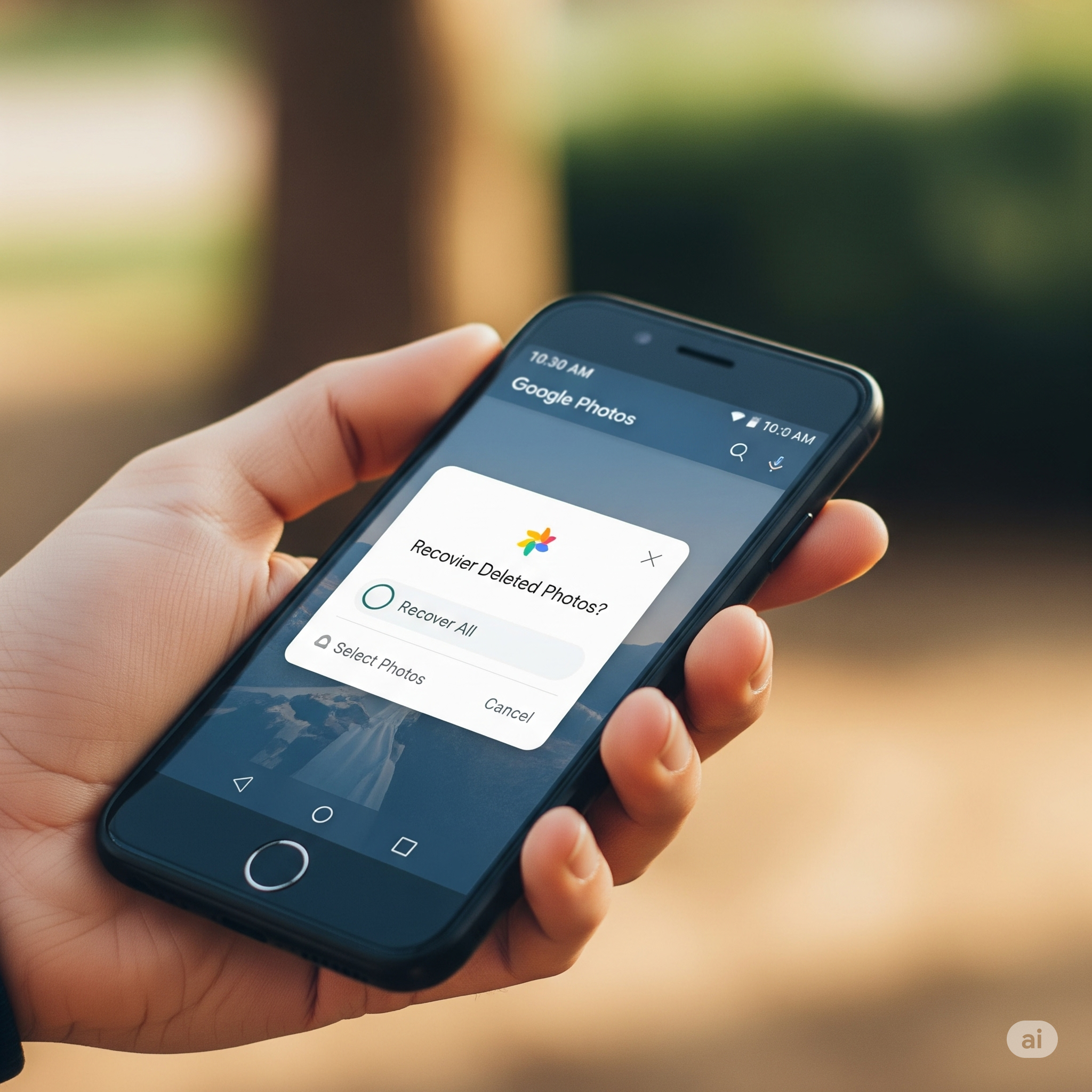
Önemli Kılavuz: Telefonunuzdan Kayıp Fotoğraflarınızı ve Dosyalarınızı Kurtarın
Bu korkunç bir duygu: Telefonunuzda o özel fotoğrafı veya önemli belgeyi arıyorsunuz, ama orada yok.
İster ufak bir hata, ister sistem arızası, isterse de gizemli bir kaybolma olsun, dosyaları kaybetmek yaygın ve stresli bir deneyimdir. Ama derin bir nefes alın; çoğu durumda veriler gerçekten kaybolmuş değildir.
Anúncios
Bu kılavuz, Android veya iPhone kullanıyor olmanız fark etmeksizin, akıllı telefonunuzdan silinen dosyaları nasıl başarıyla kurtarabileceğinizi gösterecektir.
“Sil” tuşuna bastığınızda aslında ne olduğunu, mevcut en iyi araçları ve en önemlisi, bu korkutucu durumun bir daha asla yaşanmaması için neler yapılması gerektiğini açıklayacağız.
"Sil" tuşuna bastığınızda aslında ne oluyor?
Birçok insanın düşündüğünün aksine, bir dosyayı silmek onu anında silmez.
Bunun yerine, telefonunuzun işletim sistemi basitçe kısayolu veya bağlantıyı kaldırır Dosyaya bağlanır ve kapladığı depolama alanını şu şekilde işaretler: yeni veriler için kullanılabilir..
Telefonunuzun depolama alanını, ana dizini olan büyük bir kitaplık olarak düşünün. Bir dosyayı sildiğinizde, o dosyanın kartını dizinden kaldırmış olursunuz.
"Kitap" (dosyanız) yeni bir dosyanın tam o yere ihtiyaç duyana kadar rafta kalır. Hızlı hareket ederseniz, yeni veriler oraya kaydedilmeden önce onu bulup alabilirsiniz.
Bu yüzden Hızlı hareket etmek en önemli adımdır.—Çektiğiniz her fotoğraf, indirdiğiniz her uygulama veya kaydettiğiniz her mesaj, başarılı bir veri kurtarma şansınızı azaltır.
Dosya Kaybının Yaygın Nedenleri
Dosyalarınızın neden kaybolduğunu bilmek, en iyi kurtarma yöntemini seçmenize yardımcı olabilir. İşte en sık karşılaşılan nedenler:
- Yanlışlıkla Silindi: En yaygın neden, yanlışlıkla dokunmaktan hızlı dosya silmeye kadar değişebilir.
- Yazılım Hataları: İşletim sistemindeki bir hata veya başarısız bir güncelleme, depolama alanınızı bozabilir.
- Fabrika Ayarlarına Sıfırlama: Yedekleme yapılmadan yapılırsa, bu işlem cihazınızdaki tüm verileri silecektir.
- Kötü amaçlı yazılım veya virüsler: Kötü amaçlı yazılımlar dosyalarınızı kasıtlı olarak silebilir veya gizleyebilir.
- Fiziksel Hasar: Telefonun düşmesi veya suya maruz kalması, depolama alanına fiziksel olarak zarar verebilir.
- Bozuk SD Kart: Arızalı bir harici hafıza kartı, hiçbir uyarı vermeden tüm içeriğini kaybedebilir.
En İyi Dosya Kurtarma Uygulamaları (2025)
Dosyalarınızı geri almak için güvenilir bir araca ihtiyacınız var. İşte bu yıl piyasaya sürülen en etkili uygulamalardan bazıları.
1. PhotoRescue (Android)
Bu uygulama, Android cihazlardaki fotoğraf ve videoları kurtarmak için olmazsa olmaz bir uygulamadır. Basit arayüzü ve etkili taramalarıyla bilinir. Kök erişimi gerektirmeden temel bir tarama yapabilir, ancak daha kapsamlı bir tarama için kök erişimi gereklidir.
- Artıları: Kullanımı kolay, medya dosyaları için harika, hızlı tarama.
- Dezavantajları: Root erişimi olmadan sınırlı özellikler.
2. MobileDataFix (Android / iOS)
Bu, basit medya kurtarma işlemlerinin ötesine geçen hepsi bir arada bir araç setidir. Mesajlar, kişiler ve arama kayıtları da dahil olmak üzere çok çeşitli dosya türlerini kurtarabilir. Çalışmayan veya hasar görmüş cihazlar için iyi bir seçenektir.
- Artıları: Hem Android hem de iOS işletim sistemlerinde çalışır, çok çeşitli verileri kurtarır, sistem sorunlarını giderebilir.
- Dezavantajları: Tüm özellikler premium plana dahildir.
3. EaseUS MobiSaver (Android / iOS)
Bu araç kullanıcı dostudur ve fotoğraf, video, kişi rehberi ve mesajları kurtarmak için mükemmeldir. Öne çıkan özelliklerinden biri de şudur: dosya önizlemesi Bu seçenek, dosyaları geri yüklemeden önce kurtarılabilir dosyaları görmenizi sağlayarak zamandan tasarruf etmenizi sağlar.
- Artıları: Sezgisel arayüz, dosya önizleme, her iki işletim sistemiyle de uyumlu.
- Dezavantajları: Ücretsiz sürümde temel özellikler sınırlıdır.
4. Çöp Kutusu (Android)
Bu uygulama, proaktif bir dijital çöp kutusu görevi görüyor. Kurulduktan sonra, sildiğiniz dosyaların otomatik olarak yedeklerini kaydederek size ikinci bir şans veriyor. Harika bir önleyici araç.
- Artıları: Gelecekteki veri kayıplarını önler, root erişimi gerektirmez, anında geri yükleme sağlar.
- Dezavantajları: Yalnızca silinen dosyaları korur. sonrasında Siz onu kurarsınız.
5. DiskGet (Android / iOS)
Kök erişimi gerektirmeden yüksek başarı oranıyla bilinen güçlü bir araç. Temiz ve basit bir arayüzle en yeni cihazlardan fotoğraf, video, mesaj ve daha fazlasını kurtarabilir.
- Artıları: Yüksek başarı oranı, birçok dosya türünü destekler, sezgisel tasarım.
- Dezavantajları: Bazı özellikler yalnızca ücretli sürümde mevcuttur.
İyileşmeye Yönelik Adım Adım Kılavuz
Dosyalarınızı geri alma şansınızı en üst düzeye çıkarmak için lütfen şu adımları dikkatlice izleyin:
- Telefonunuzu kullanmayı derhal bırakın. Fotoğraf çekmeyin, uygulama indirmeyin veya yeni dosya kaydetmeyin.
- Güvenilir bir uygulama yükleyin Google Play veya App Store gibi resmi bir uygulama mağazasından.
- Gerekli tüm izinleri verin. Uygulamanın cihazınızın depolama alanını taraması için.
- Tam tarama çalıştır ve bitmesini bekleyin. Sabırlı olun; derinlemesine tarama biraz zaman alabilir.
- Bulunan dosyaları inceleyin. ve geri yüklemek istediğiniz öğeleri seçin.
- Kurtarılan dosyaları yeni bir konuma kaydedin. Diğer verilerin üzerine yazılmasını önlemek için.
Önlem almak en iyi stratejidir.
Kurtarma mümkün olsa da, veri kaybını baştan önlemek her zaman daha iyidir. Bu basit alışkanlıkları edinmek size gönül rahatlığı sağlayabilir.
- Otomatik yedeklemeleri etkinleştirin: Bulut hizmetlerini kullanın, örneğin Google Fotoğraflar, iCloud veya OneDrive Dosyalarınızı gerçek zamanlı olarak senkronize etmek için.
- Önleyici bir uygulama kullanın: "Geri dönüşüm kutusu" uygulaması yükleyin, örneğin Çöp Kutusu Ekstra bir koruma katmanı için.
- Uygulama izinlerine dikkat edin: Kişisel verilerinize gereksiz erişim izni isteyen şüpheli uygulamaları indirmekten kaçının.
- Sisteminizi güncel tutun: Düzenli güncellemeler, veri kaybına neden olabilecek hataları düzeltebilir.
Son Düşünceler
Dosyanın kaybolması Hiç şüphesiz stresli bir an. anında paniğe neden olurAncak bu durum nadiren kalıcıdır.
“Silme” mekanizmasının gerçekte nasıl çalıştığını anlayarak ve en önemlisi, derhal harekete geçmekBu sayede başarılı bir iyileşme şansınızı katlanarak artırırsınız.
O hız Tepki verme biçiminiz, tartışmasız en güçlü ve hayati aracınızdır.
Kullanın güvenilir uygulamalar Önerilerimizi dikkate alarak adımları titizlikle takip ediyoruz.
Ancak şunu unutmayın ki... önlemeDüzenli ve otomatik yedeklemeler sayesinde, her türlü aksiliğe karşı en sağlam ve kesin savunmanız sağlanır.
Sakin olun. Artık elinizde... bilgi ve araçlar Dosyalarınızı tam bir güven ve verimlilikle kurtarmak için gereklidir.
